Grow
Should you offer a free trial? A quick checklist for fitness creators

Amir Shahzeidi
Lifecycle marketing for fitness creators, made simple. The 5 emails that turn free trials into paying members, and when to send each one.

Lifecycle marketing is a fancy name for a simple idea. You send each person an email that fits what they did, and nudges them to take the best next step.
Someone who started your free trial this morning gets a different email from someone who’s been with you since summer.
Why bother? Because the people who come close to joining your app are worth a lot, and a small nudge brings many of them back. Plus, it’s much easier than convincing a new person to sign up.
Below are the 5 emails worth sending, and when to send each one. Every Playbook Automation follows this advice, and it works in any email tool.
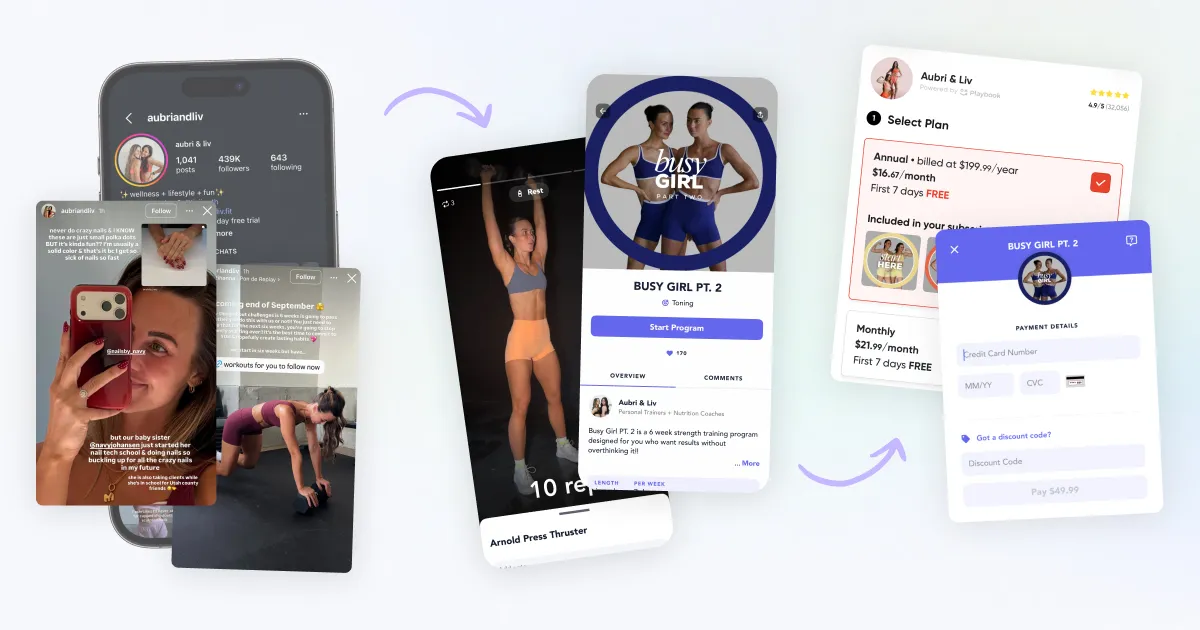
Every member goes through the same few steps with you. They find your content, sign up, try a workout, and decide whether to stay. At each step, some people quietly drift off.
| Step | What’s happening | Where people slip away | What brings them back |
|---|---|---|---|
| 1. They find you | Watching your reels, reading your posts | They never click | Your content (this part is you) |
| 2. Checkout | They typed their email on your sales page | They leave before paying | A friendly reminder within the hour |
| 3. Free trial | They started a trial | They never do a workout | One clear first workout, every day for the first 5 days |
| 4. First workout | They did one workout or class | They never do a second | A little celebration, and the next workout |
| 5. Monthly member | They pay every month | They cancel, or turn off auto-renew | A reason to stay for the year |
| 6. Long-term member | Annual plan, or many months in | Rarely | Community, new programs, seeing progress |
| Side door: program buyer | They bought a one-time program | They finish it and leave | An invite to your membership |
Step 1 is all you. Your content and your audience bring people to the door.
These emails take over once someone has shared their email or opened the app, so they never replace the audience you built. They help you keep more of it.
Each of these is a short set of emails that sends itself when someone does something, like starting a trial. You set it up once, and it works while you film, coach, or sleep.
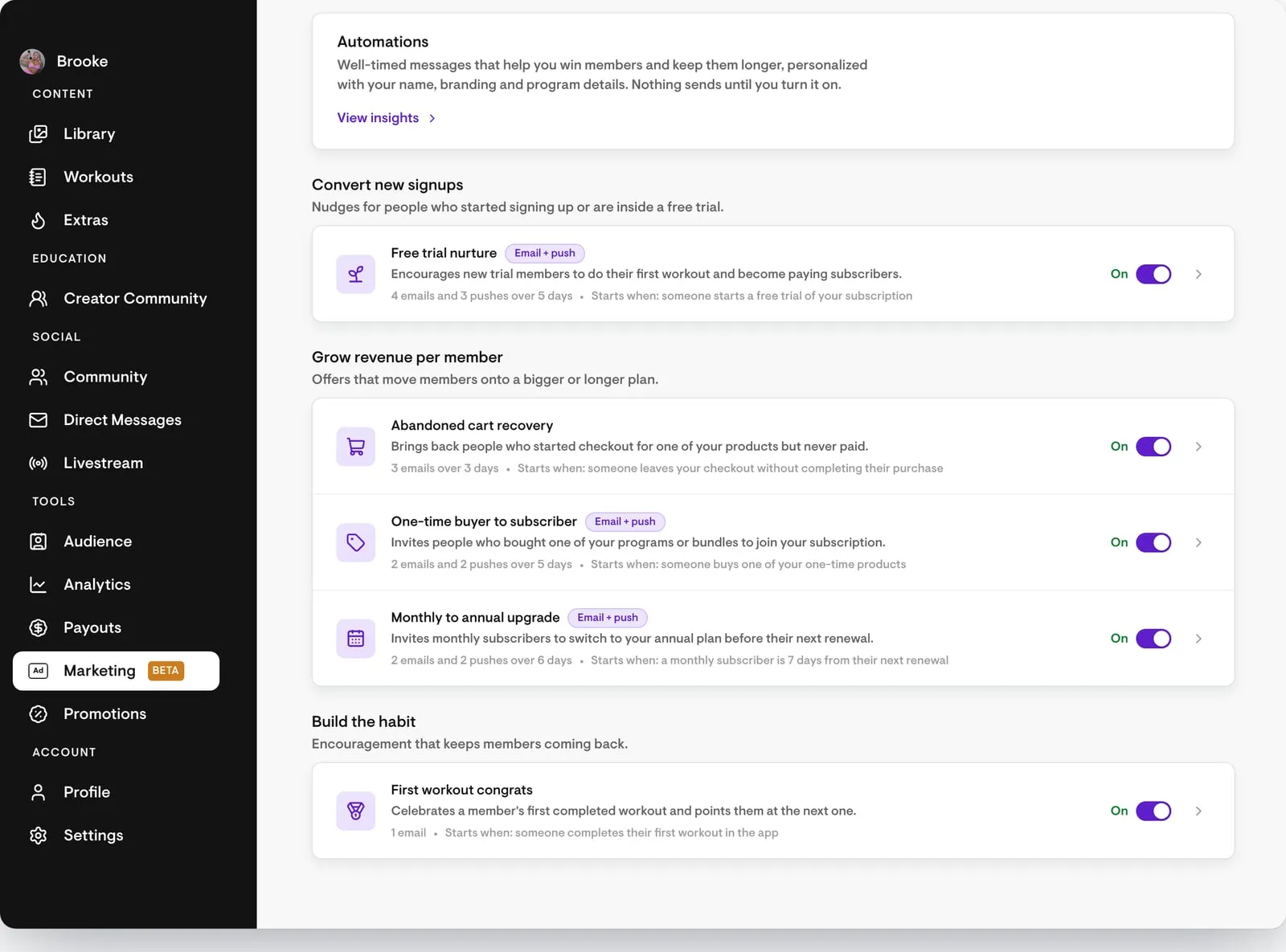
On Playbook, all 5 are already written for you. They’re called Automations (we launched them in our October product update). They go out with your name and branding, and you switch them on in Marketing > Automations.
The help article shows every email and when it sends.
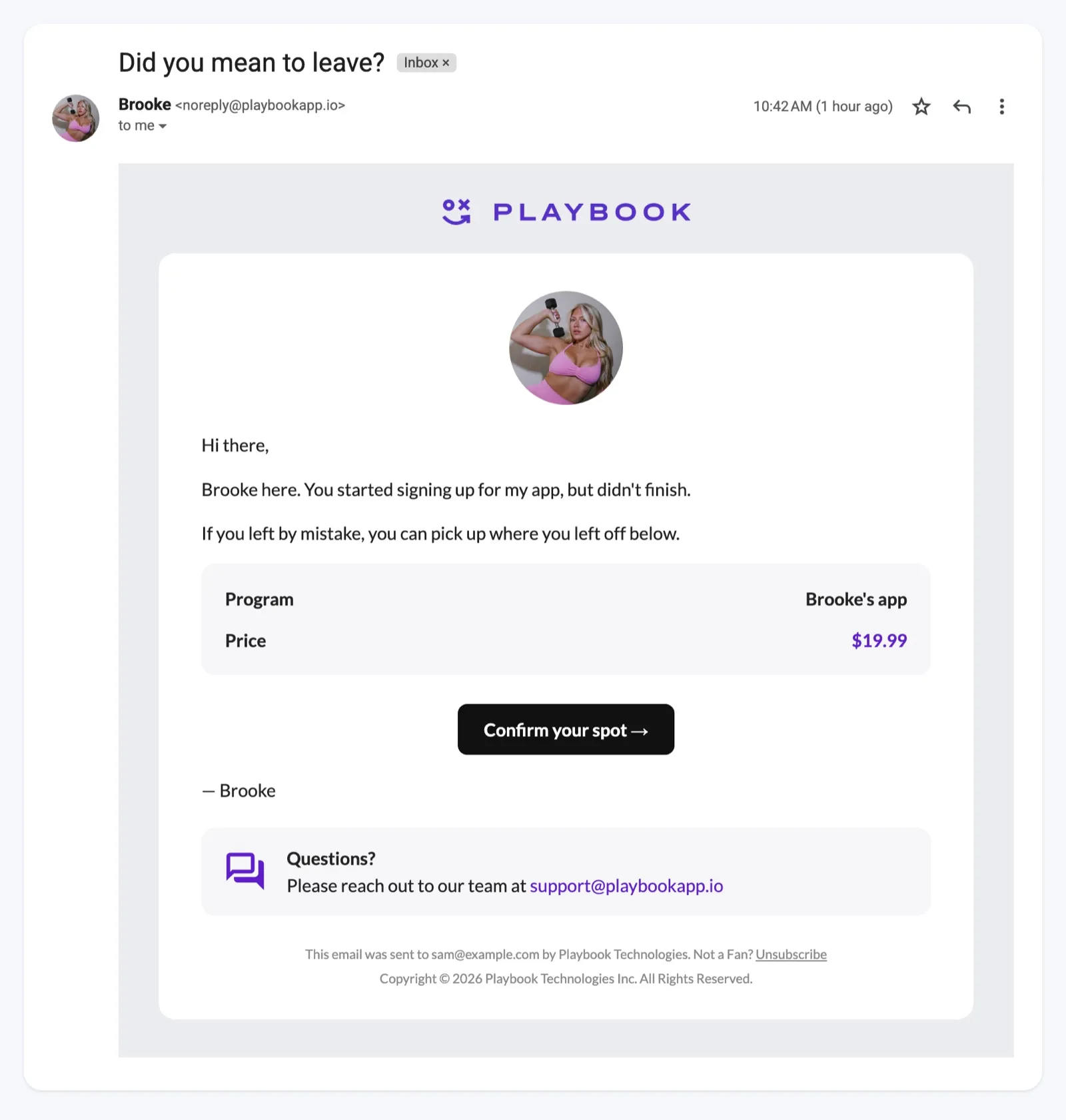
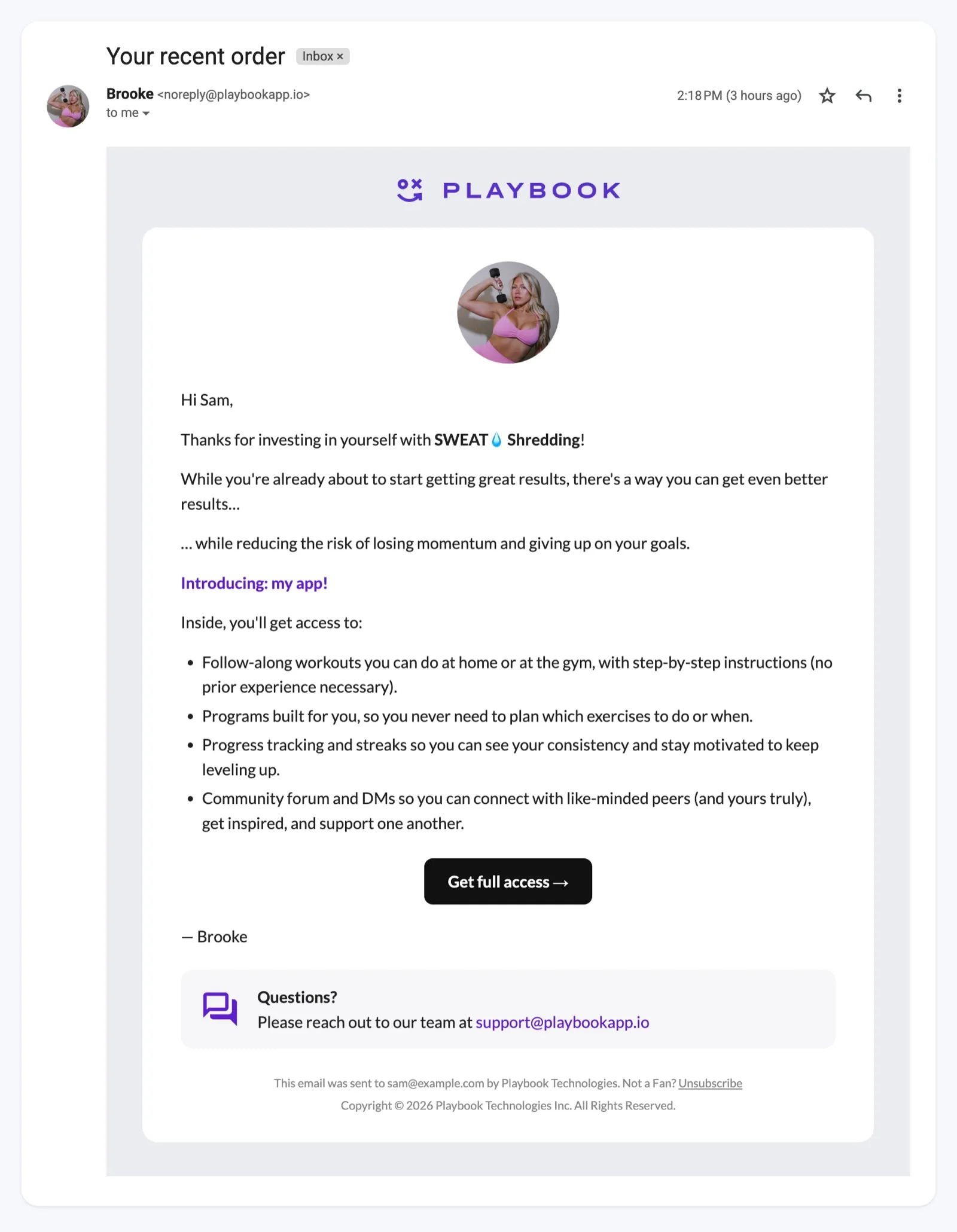
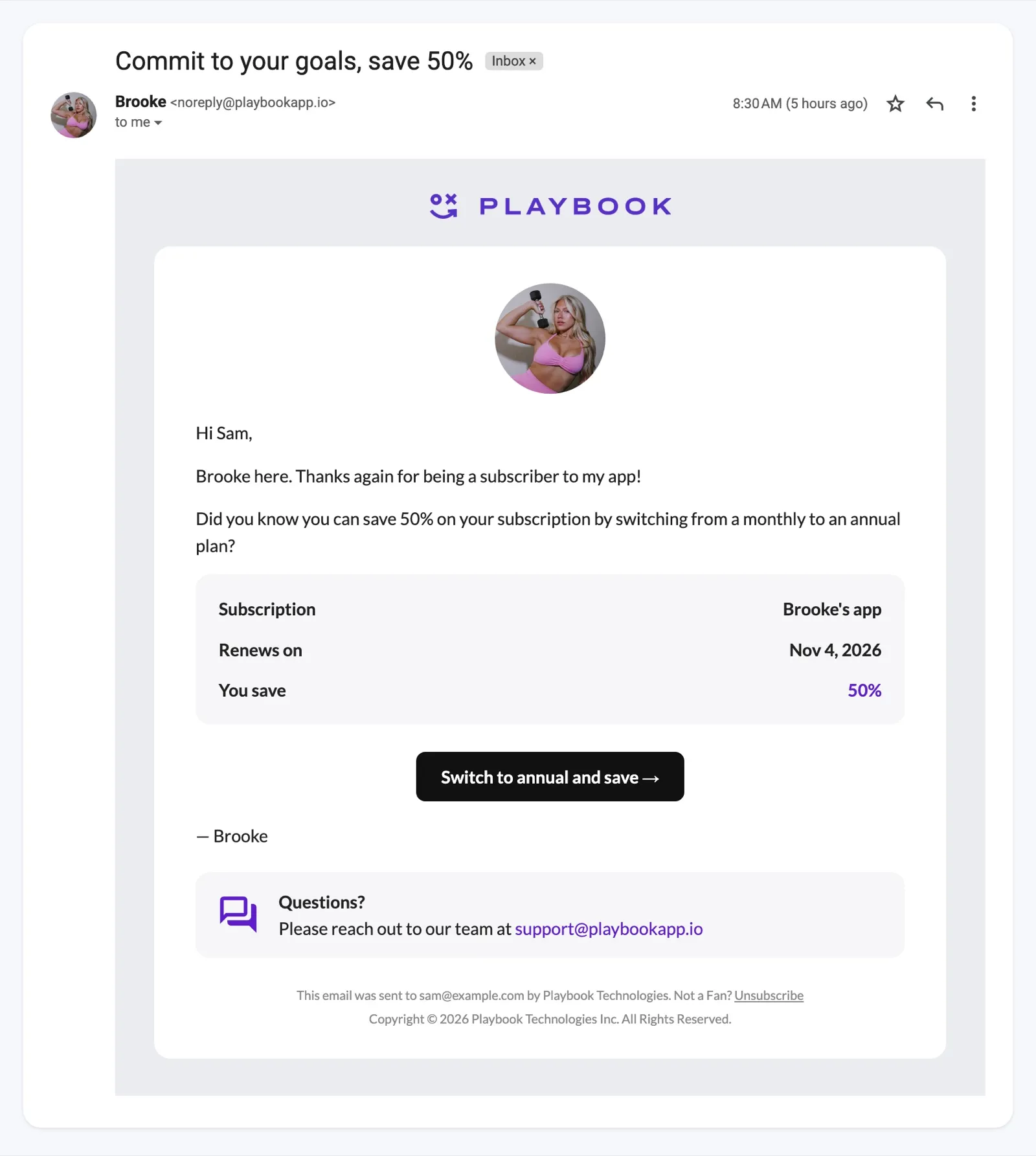
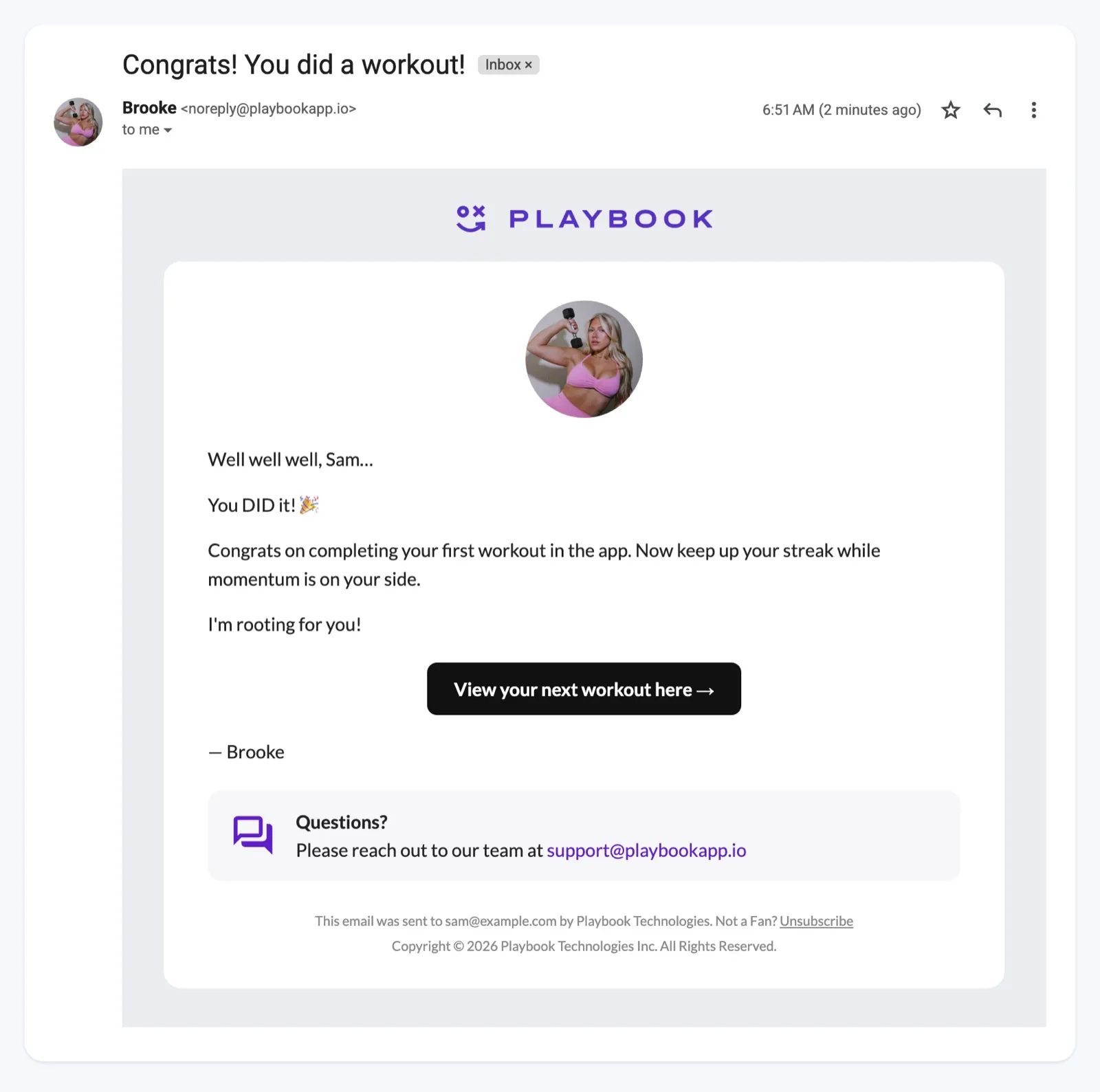
Below, you’ll see each one the way Brooke Bohning’s members see it in their inbox. She’s a Playbook creator who coaches women through dumbbell workouts and high-protein recipes.
Someone typed their email at checkout, then left.
Maybe their kid needed something. Maybe their card didn’t go through. Either way, they wanted in.
A quick, friendly reminder brings a lot of them back. On Playbook, these reminders recover 1 in 5 abandoned carts.
How to get it right:
On Playbook, the abandoned cart automation sends 3 emails over 3 days, starting about an hour after someone leaves.
People who don’t become paying members usually never got started.
Think about opening a new fitness app for the first time. There are dozens of workouts and you don’t know where to begin, so you close it and tell yourself you’ll come back later. Then the trial ends.
How to get it right:
On Playbook, free trial nurture sends 4 emails and 3 phone notifications over the first 5 days, all pointing to the workout you pick. Still deciding on a trial? Read whether you should offer a free trial first.
![Gmail inbox showing an email from Brooke with the subject "[Action Required] Your first workout is ready" and a Let's get started button](/_astro/02-free-trial-nurture-gmail.248GEpe1_Z20wmsE.webp)
Someone bought your 6-week program. They already trust you enough to pay, which makes them the warmest lead you have.
But when the 6 weeks are up, most people move on unless you invite them to stay. This is an upsell email, but a friendly one.
How to get it right:
On Playbook, the one-time buyer to subscriber automation sends 2 emails and 2 phone notifications over 5 days, starting 4 hours after they buy.
The days before a monthly payment are when people ask themselves, “Am I still using this?” That’s the moment to offer something better.
A member on a yearly plan has decided to stay for the year. A monthly member decides all over again every 30 days.
How to get it right:
On Playbook, the monthly to annual automation sends 2 emails and 2 phone notifications in the week before a renewal. It runs at most twice per subscriber, with at least 80 days between runs, so it doesn’t send before every monthly payment. Your subscription needs a monthly price and a yearly price.
Remember how good it felt to finish your first class somewhere new? Your members feel that too. The first workout is the best early sign someone will stay, and the second one is where the habit starts.
How to get it right:
On Playbook, first workout congrats sends 1 email right after someone finishes their first workout.
Your members follow you. If an email sounds like a robot wrote it, they’ll notice. Playbook’s Automations are built on these rules, and you can follow them in any email tool:
On Playbook, the 5 emails are already written. Go to Marketing > Automations and switch on the ones you want. The help article walks through each setting.
Doing your fitness email marketing in your own tool, like Mailchimp or Flodesk? Check that it can do these 4 things:
Most email tools can’t send phone notifications into the app your members use. That’s one reason we built these into Playbook.
Whichever you choose, don’t run both. If your email tool and Playbook both send checkout or trial reminders, people get the same message twice, and you can’t tell which one worked.
Start where you lose the most people. For most creators, that’s checkout and the free trial.
| Ask yourself | If yes | If no |
|---|---|---|
| Do people start checkout and leave? | Start with the “you left something behind” email | Go to the next question |
| Do you offer a free trial? | Pick a first workout, then add the free trial welcome | Skip it |
| Do you sell one-time programs? | Add the “want more?” email | Skip it |
| Do you have a yearly plan? | Add the annual plan offer | Add a yearly price that costs less than 12 monthly payments first |
The congrats email needs no setup, so anyone can add it today.
Don’t go by how many people open your emails. Since 2021, Apple Mail has counted some emails as opened even when nobody read them, so open numbers look better than they are.
Watch these 3 numbers instead:
Then give each one time:
On Playbook, click View insights on the Automations page to see how many people each automation reached, how many clicked, and how many did what it asked. The numbers are for the whole automation, not for each email.
These emails follow up with people who already showed interest. Getting people interested is still up to you, and free offers are one way to turn followers into people worth following up with.
That means growing your audience, sending your newsletter, and running launches and challenges. Emails to win back people who already canceled are a separate job too. For ideas on that side, see our guide to keeping members paying.
You don’t have to plan those alone. Your Creator Manager can help you plan the launches around these emails.
Lifecycle marketing means sending each person a message based on what they did, like starting a free trial or leaving checkout. Instead of one email to everyone, each person gets the email that fits their step. For a fitness creator, that means 5 key moments, from checkout to renewal.
Most guides list 5: awareness, consideration, conversion, retention, and loyalty. For a fitness subscription, that looks like finding you, checking out, starting a trial, doing a first workout, paying monthly, and staying for the year.
A free trial welcome. Someone starts your trial and gets an email pointing to one easy workout. A phone notification follows 30 minutes later, then one message a day through day 5. The messages stop after day 5, even if the trial runs longer, or sooner if they become a paying member.
Yes. It matters more for you than for a big company.
A team can follow up with people by hand. You can’t, so it helps to have these emails send themselves.
Usually 2 to 4, spread over a few days. That’s enough to catch someone who missed the first one.
A free trial can use more, like one short message a day, because the trial is so short. Always stop the moment they do what you asked.
Not if every set of emails stops when someone acts, and nobody gets the same one twice in a short time. Add an unsubscribe link to every email, too.
Yes. Playbook writes every email in all 5 Automations and keeps improving them. You choose which ones to switch on.
You don’t need all 5 at once to start lifecycle marketing. Start with the 2 moments where you lose the most people.
On Playbook, go to Marketing > Automations and switch on the checkout reminder. Then pick an easy first workout and switch on the free trial welcome. After that, they send themselves all year.

Start today. Especially if you don’t feel ready. Fear of failure kills fitness businesses before they even start. Sign-up’s quick and easy. You don’t pay a cent till you make a sale.